Description
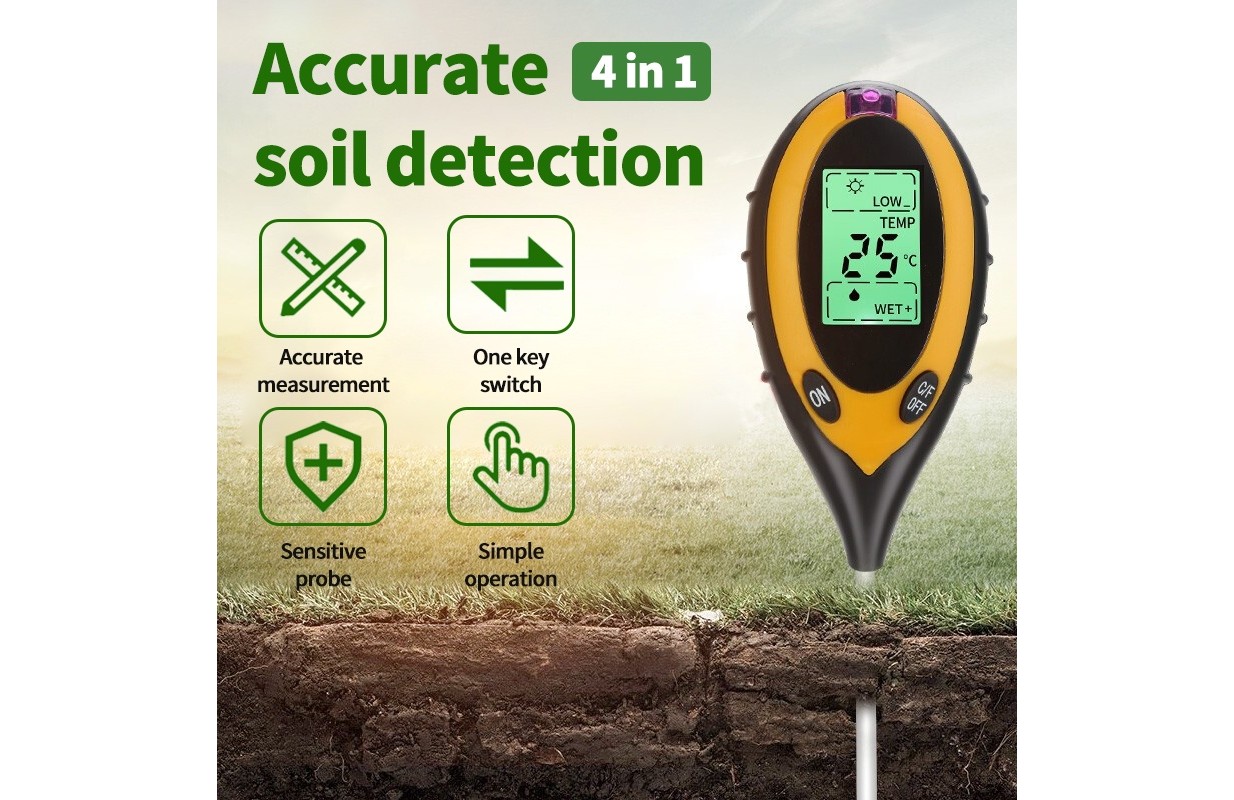
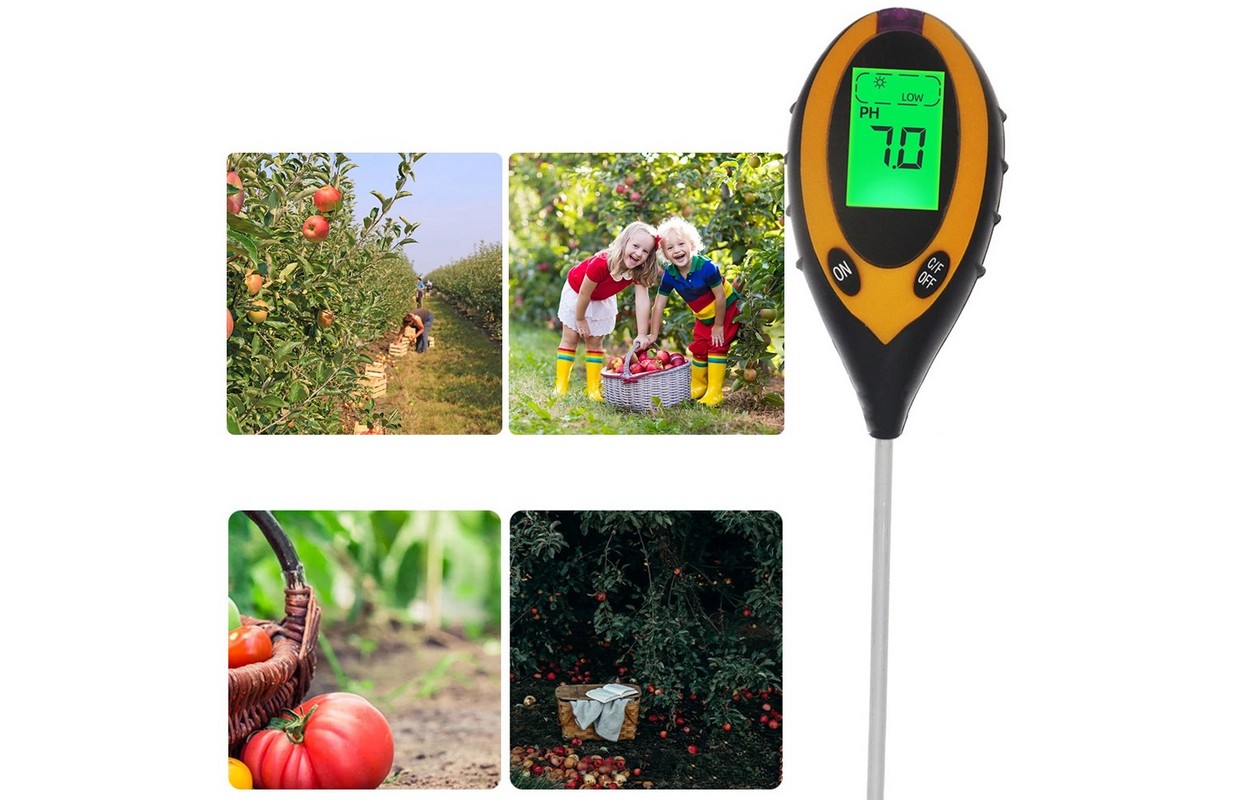
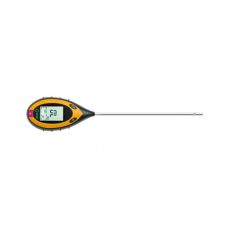
The garden meter measures four values:
- soil moisture,
- soil pH reagent,
- soil temperature
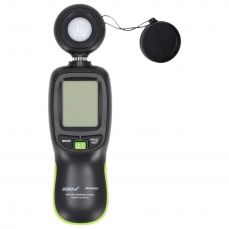
- light intensity.
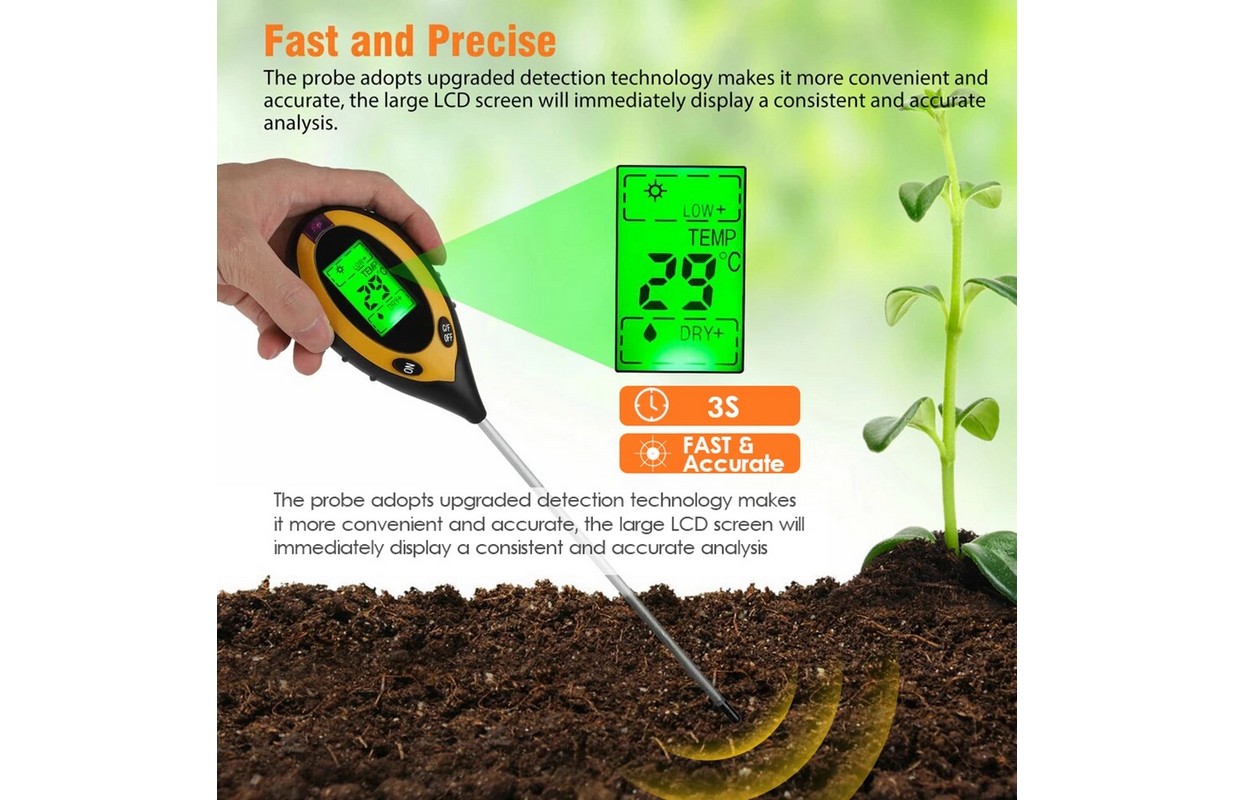
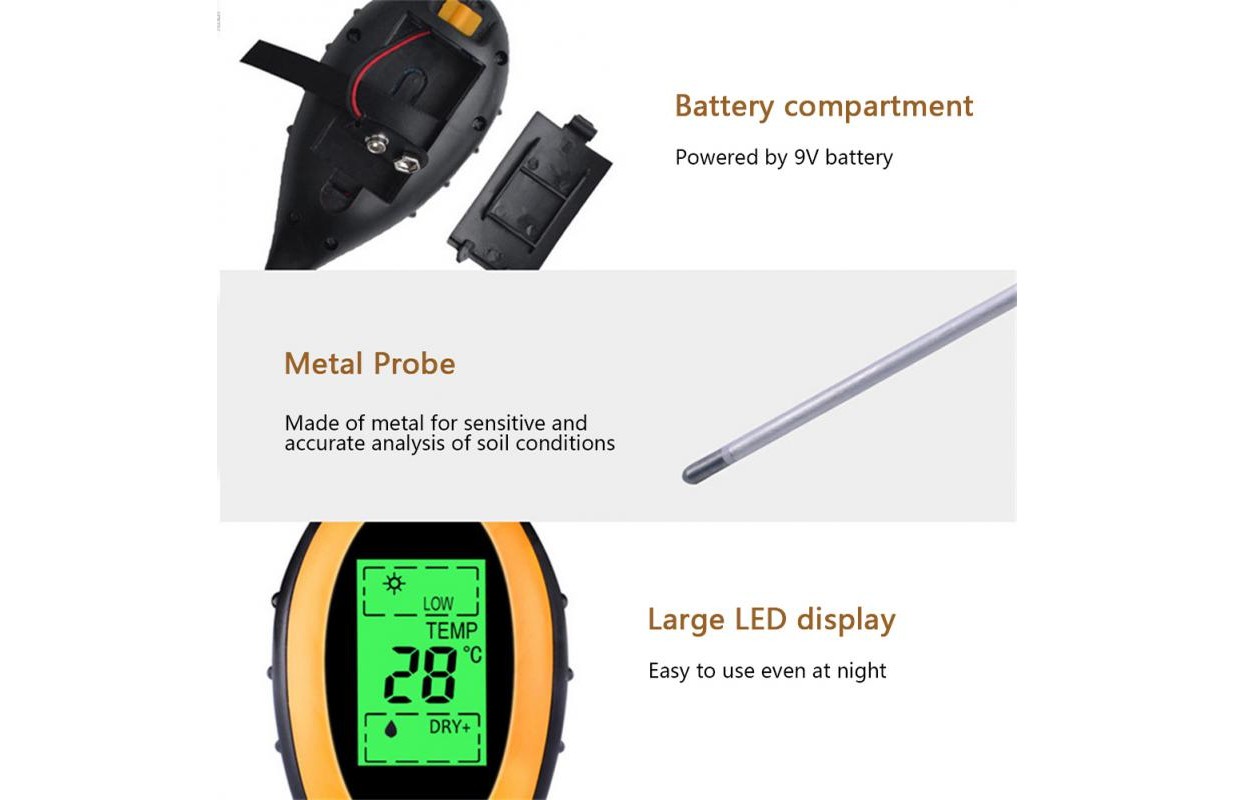
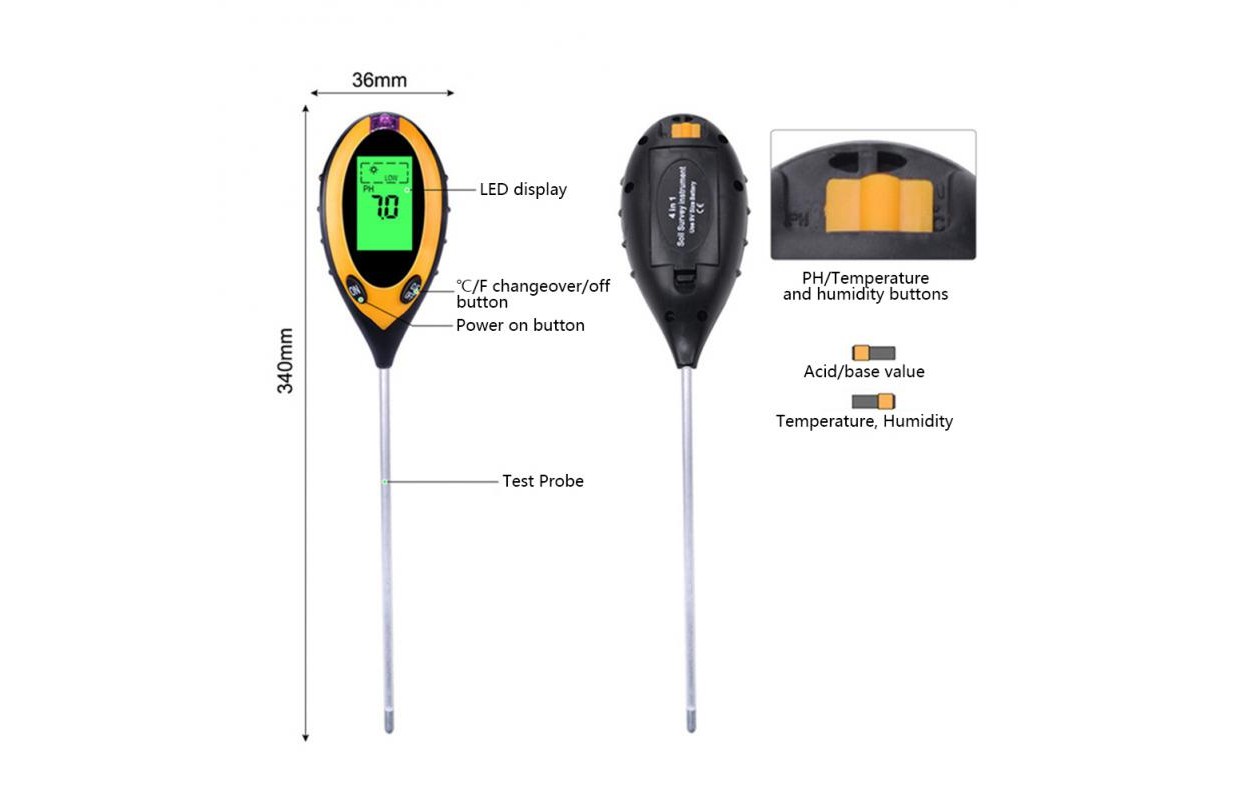
The meter, also known as the soil acidity meter, is equipped with a 20-centimeter probe and a readable LCD display for ease of measurement and reading of results. If the probe is not inserted into the ground, the ambient temperature will be displayed. The device has an automatic shut-off function, which affects battery life.
How to use
Measuring light intensity
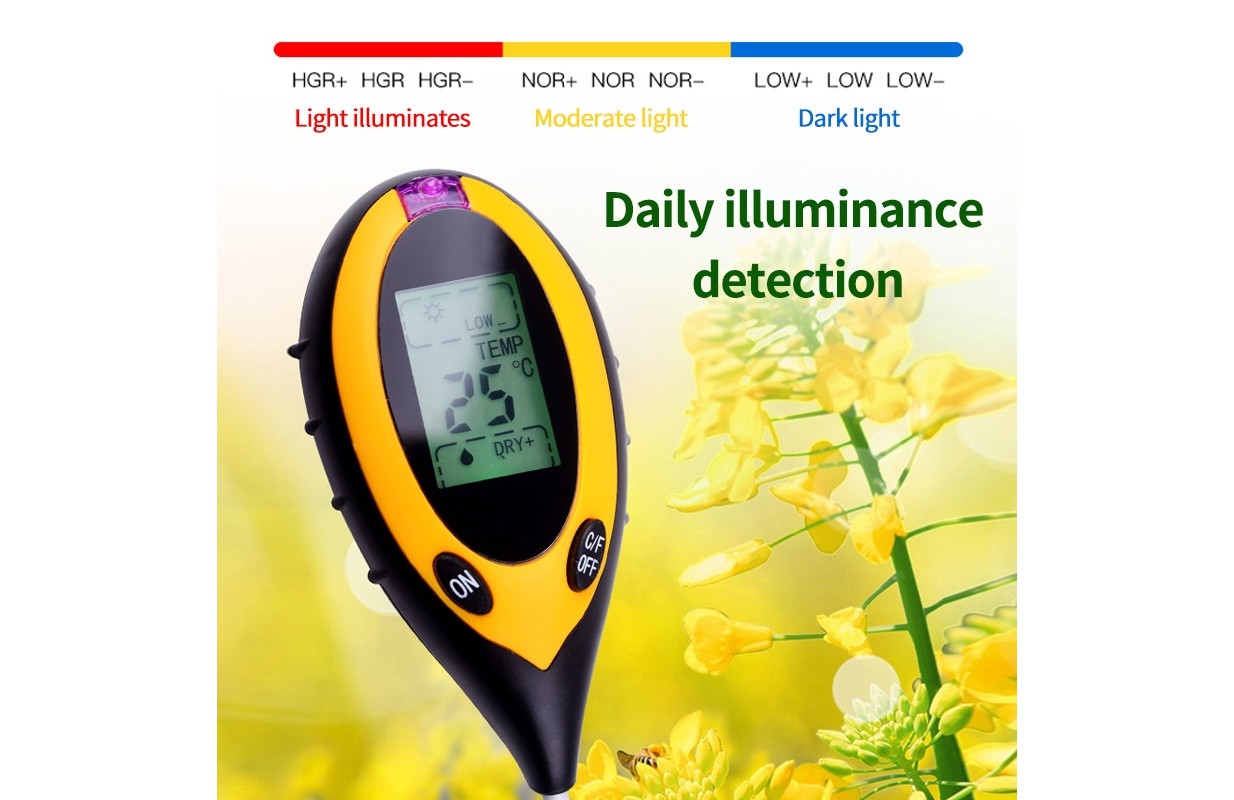
Turn on the meter, point the measuring window at the light source. The level of light intensity is displayed on the screen.
LOW indication means the lowest value, HGH + indicates the highest value.
Measuring soil pH reagent
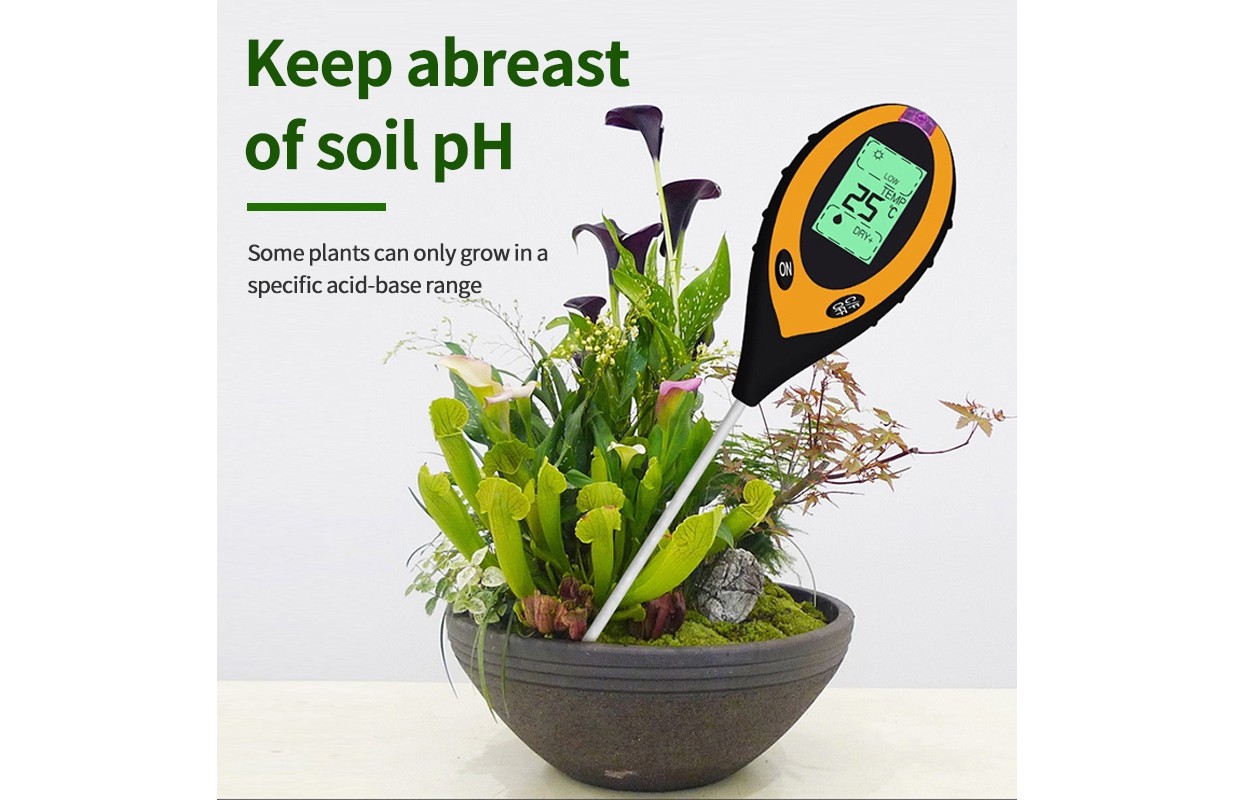
Set the switch on the back of the case to the pH position. Carefully and vertically insert the probe into the soil. Turn on the device. The pH reagent
will be displayed on the screen. Take several measurements to obtain a more accurate result.
pH 7 indicates a neutral reagent. An indication below pH 7 indicates acidic soil, while
a reading above pH 7 means alkaline soil. The display of "Lo" or "HH" indicates that the output signal is out of the permissible range.
measurement.
Measuring soil moisture
Set the back switch to the OC position. Carefully and vertically insert the probe into the soil. Turn on the device. The result will be measured
and displayed on the screen. Take several measurements to obtain a more accurate result. DRY + indicates very dry soil, WET + indicates very wet soil.
Measuring temperature
When measuring moisture, the temperature measurement is displayed. If the probe is not inserted into the ground,
the ambient temperature will be shown. The display of "Lo" or "HH" means that the output signal is out of the measurement range.